Images to PDF Converter: The 2026 Creator’s Workflow Fix
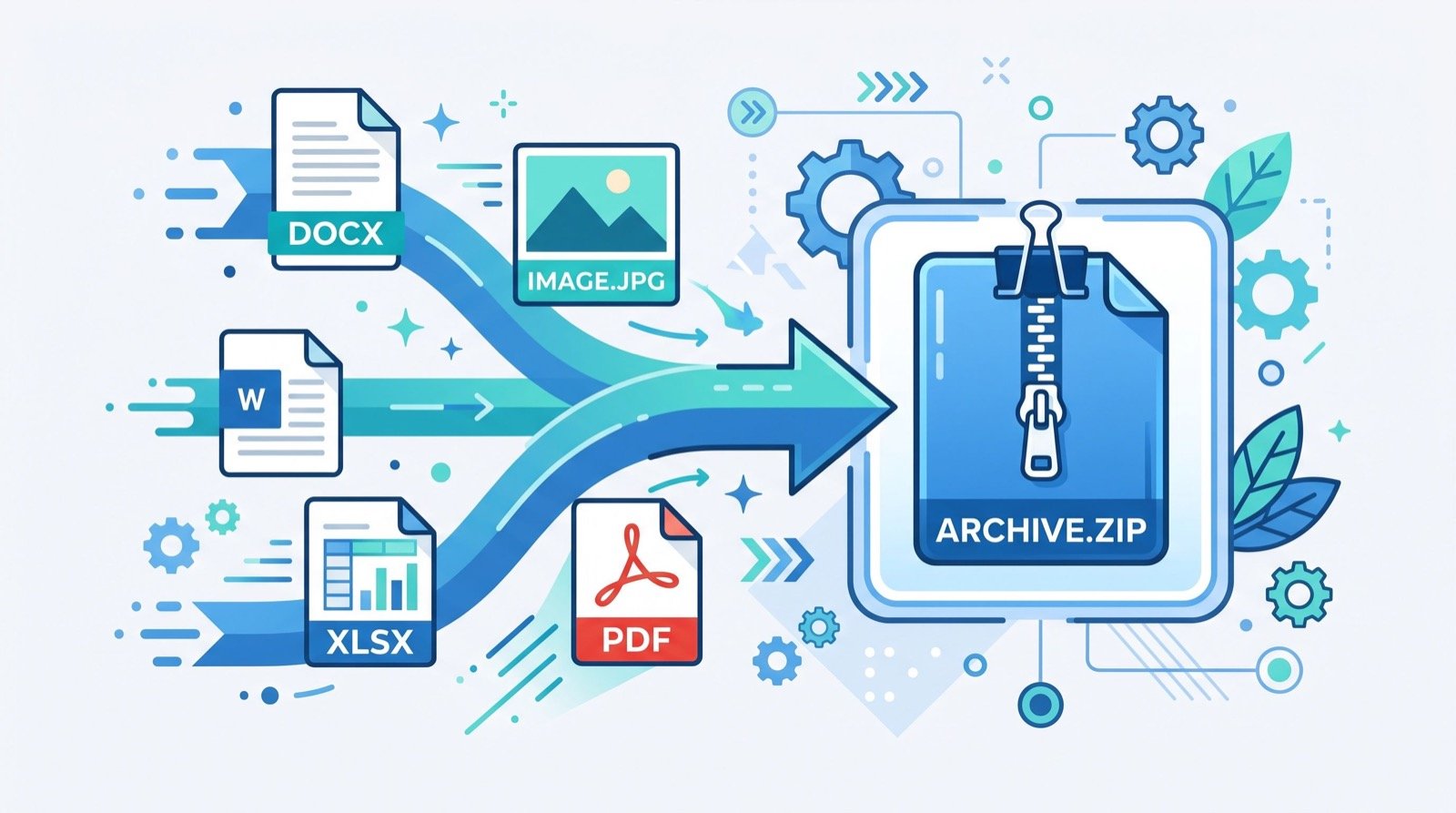
An images to PDF converter solves a problem every content creator and small-business owner knows well: a phone full of screenshots, receipts, and photos that nobody can organise. Instead of emailing a dozen separate pictures, you merge them into one clean, shareable document in seconds. In 2026, this single habit has quietly become one of the most useful digital skills around.
This guide looks at why the PDF format still wins for sharing visual content, how to convert images without losing quality, and how downloading tools fit into a modern creator’s daily routine. The tips come from real workflows used by freelancers, marketers, and online sellers.
Why Turn Images into a PDF at All?
Loose image files scatter easily and look unprofessional when shared. A single PDF keeps everything in order, preserves layout, and opens the same way on every device. Using an images to PDF converter means your portfolio, invoices, or product sheets arrive exactly as you intended.
The format is also a genuine global standard. As Adobe explains, PDF is an open ISO standard, which is why it remains the safest choice for documents that must look identical for years to come.
Where creators use it every day
Photographers compile proof sheets, sellers combine product images into catalogues, and students bundle scanned notes. Each of these tasks turns a messy folder into one tidy file that is easy to send and simple to archive.
How to Convert Images Without Losing Quality
Quality loss usually comes from careless compression or the wrong file order. A careful process avoids both and keeps your document crisp.
- Gather your images. Collect them into one folder first.
- Rename for order. Number files so pages land in sequence.
- Choose resolution. Keep high quality for print, lower for email.
- Convert and review. Check each page before sharing.
- Compress if needed. Shrink the file only when size matters.
A detail most people miss
Orientation matters more than you think. Mixing portrait and landscape images inside one PDF creates a document readers must keep rotating. Crop or rotate each image before converting so every page reads naturally from top to bottom.
Image Formats Compared for PDF Conversion
| Format | Best for | Quality | File size |
|---|---|---|---|
| JPG | Photos, screenshots | Good | Small |
| PNG | Graphics, text images | Excellent | Medium |
| HEIC | iPhone photos | Excellent | Small |
| WEBP | Web graphics | Very good | Very small |
Downloading and Repurposing Visual Content
Modern creators rarely work with static images alone. Short-form video now drives discovery, so saving clips for study or repurposing is part of the job. A reliable TikTok video downloader lets you keep your own posts offline, review competitor trends, or pull a frame you later convert into a PDF reference sheet.
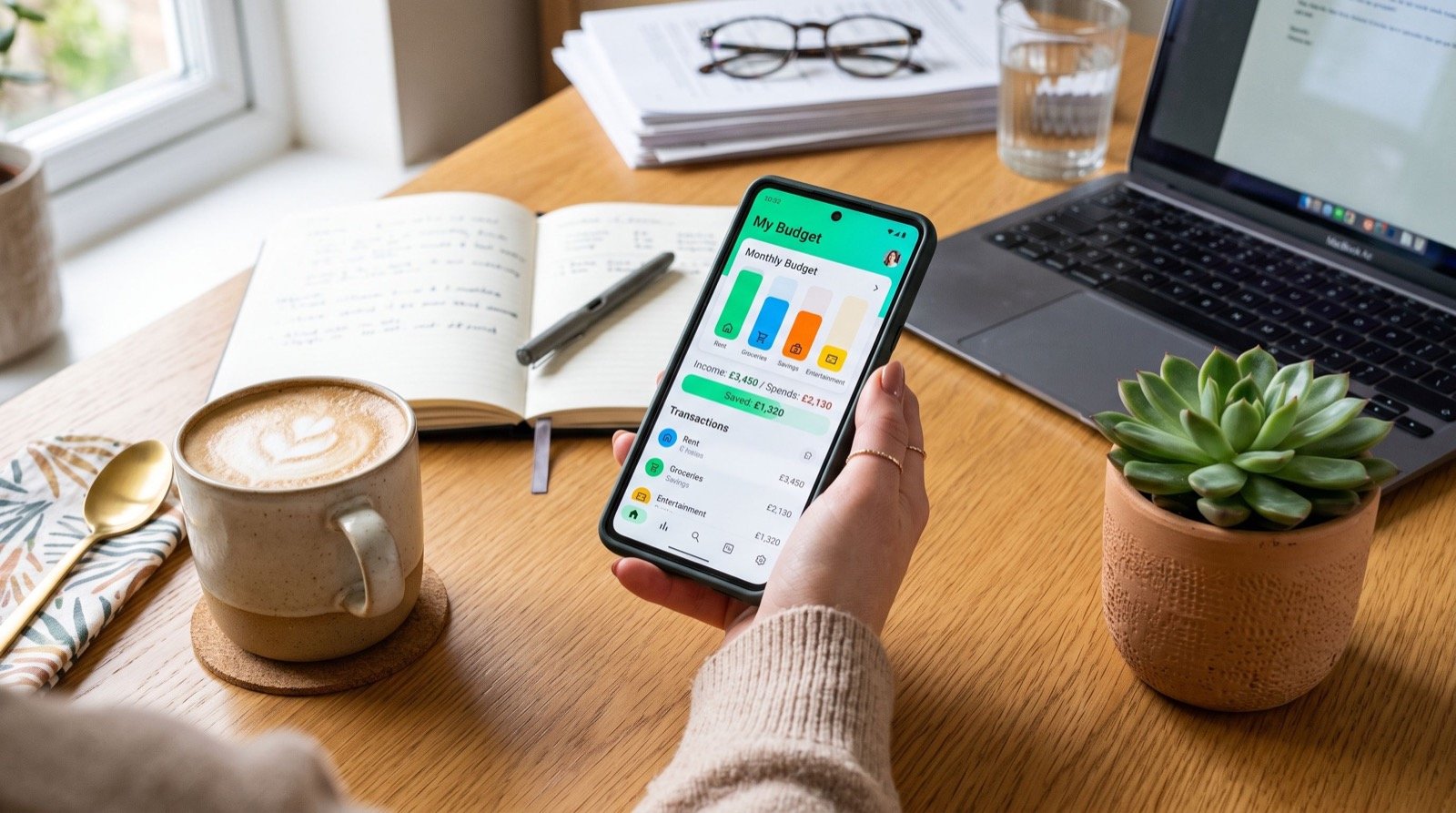
Behind many successful accounts sits an experienced local team that tracks spending on tools and campaigns. Pairing free converters with smart budgeting keeps overheads low while output stays professional.
A practical repurposing tip
Build a swipe file. Whenever a video idea inspires you, download it, capture the key frames, and convert those stills into a single PDF mood board. Over a few weeks you create a visual reference library that sparks faster, more consistent content ideas.
- Always respect copyright and platform terms when saving others’ content.
- Keep original files backed up before converting or compressing.
- Name documents clearly so you can find them months later.
- Store client-facing PDFs in a shared, well-labelled folder.
Staying Organised as Your Content Grows
The more you create, the faster files multiply. A simple system beats a powerful one you never follow. Convert related images into themed PDFs weekly, archive anything older than a quarter, and keep one master folder for active projects only.
This rhythm prevents the dreaded moment when a client asks for last month’s work and you spend an hour hunting through your camera roll. Tidy documents signal a tidy, trustworthy business.
Sharing and Securing Your PDFs Safely
Creating the file is step one; sharing it wisely is step two. A single PDF is easy to send, but client work and financial documents deserve a little protection before they leave your device. A few simple habits keep sensitive content out of the wrong hands.
Password protection is the most obvious safeguard, and most tools let you add one in a click. For contracts, this prevents casual forwarding. For portfolios, you may instead want a lightly watermarked version so your images cannot be lifted and reused without credit.
The mobile-first reality of 2026
Most creators now work primarily from a phone, so your conversion workflow should assume a small screen. Convert images to PDF directly on mobile, review each page with a quick swipe, and upload straight to cloud storage so the file is backed up the moment it exists. This removes the old habit of waiting until you reach a desktop, by which point half the screenshots are forgotten.
File size also matters more on mobile networks. A portfolio that looks stunning but takes a minute to open on a client’s phone loses impact. Compress the shareable copy while keeping a full-quality master, so your work loads instantly without sacrificing the archive you rely on for print and reprints.
Frequently Asked Questions
Does an images to PDF converter reduce photo quality?
A good images to PDF converter preserves quality when you keep resolution high and avoid heavy compression. Only compress the final file when you need a smaller size for email, and always review pages before sharing.
Can I combine different image formats into one PDF?
Yes. Most converters accept JPG, PNG, HEIC, and WEBP together. For a clean result, rotate and crop each image first so every page shares a consistent orientation and reads naturally.
Is it legal to use a TikTok video downloader?
Saving your own content or clips you have permission to use is generally fine. Always respect copyright and the platform’s terms, and never republish someone else’s video as your own without consent.
Why choose PDF over sending images directly?
PDF keeps layout, order, and quality consistent across every device. It looks more professional, is easier to archive, and avoids the clutter of sending many separate image files to a client or colleague.
Conclusion
An images to PDF converter turns digital clutter into clean, professional documents, and in 2026 that simple habit sets organised creators apart. Combine it with smart downloading, careful file naming, and a weekly tidy-up, and your visual workflow becomes something clients notice for all the right reasons. Pick one messy folder on your device today, convert it into a single polished PDF, and feel how much lighter your content process becomes.